Google’s new Googlebook aims to redefine the laptop experience by combining artificial intelligence, Android connectivity, and premium hardware. However, despite its range of features, the device faces questions about whether it offers enough practical advantages to persuade users to switch from established Windows laptops and MacBooks.
Digital Trends journalist Varun Mirchandani explored the device during the Snapdragon Summit, testing its features and speaking with Google representatives about the company’s vision. While he found several promising innovations, he remained uncertain about what makes Googlebook essential, particularly with prices starting at $899.

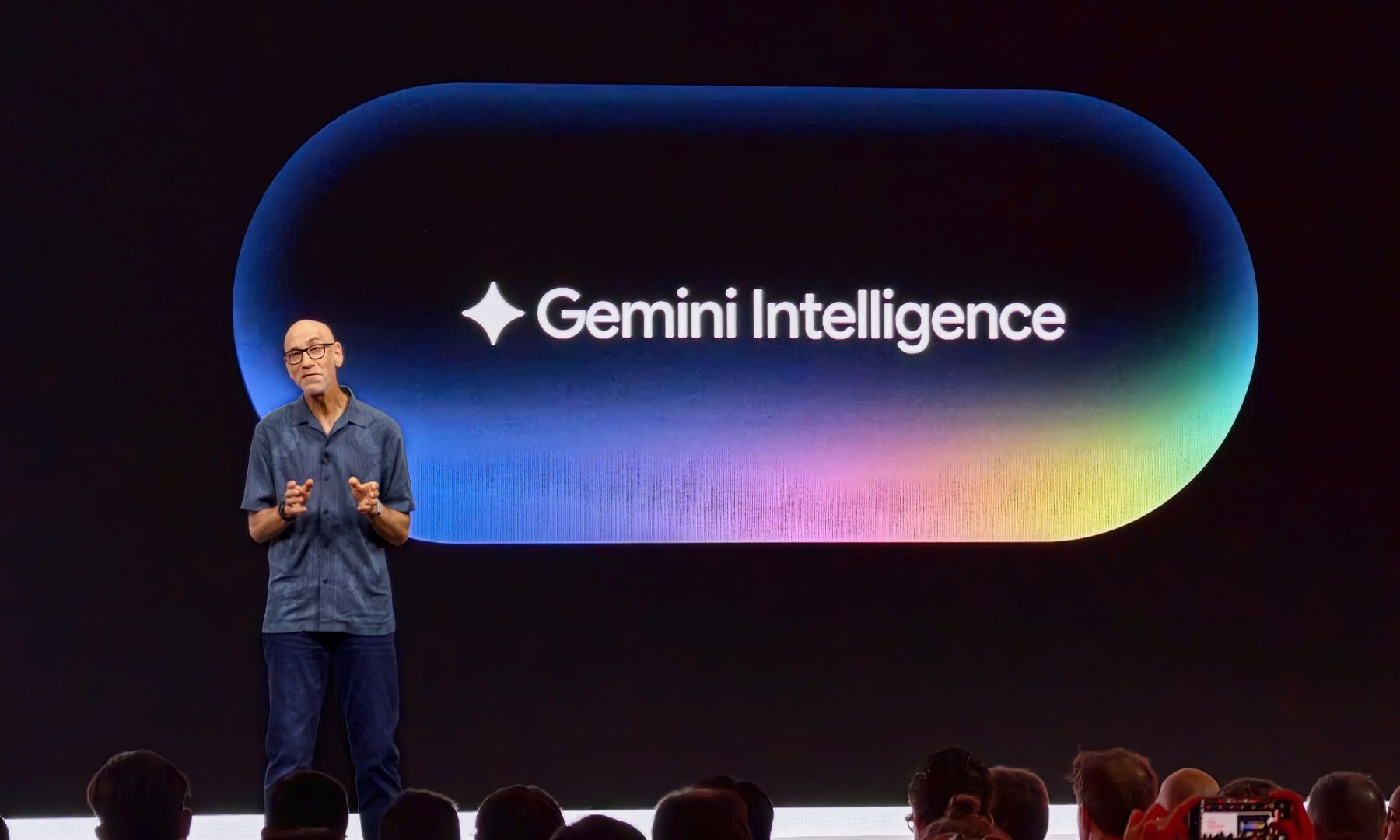
John Solomon from Google explaining Gemini Intelligence in Googlebook at Snapdragon Summit 2026 Varun Mirchandani / Digital Trends
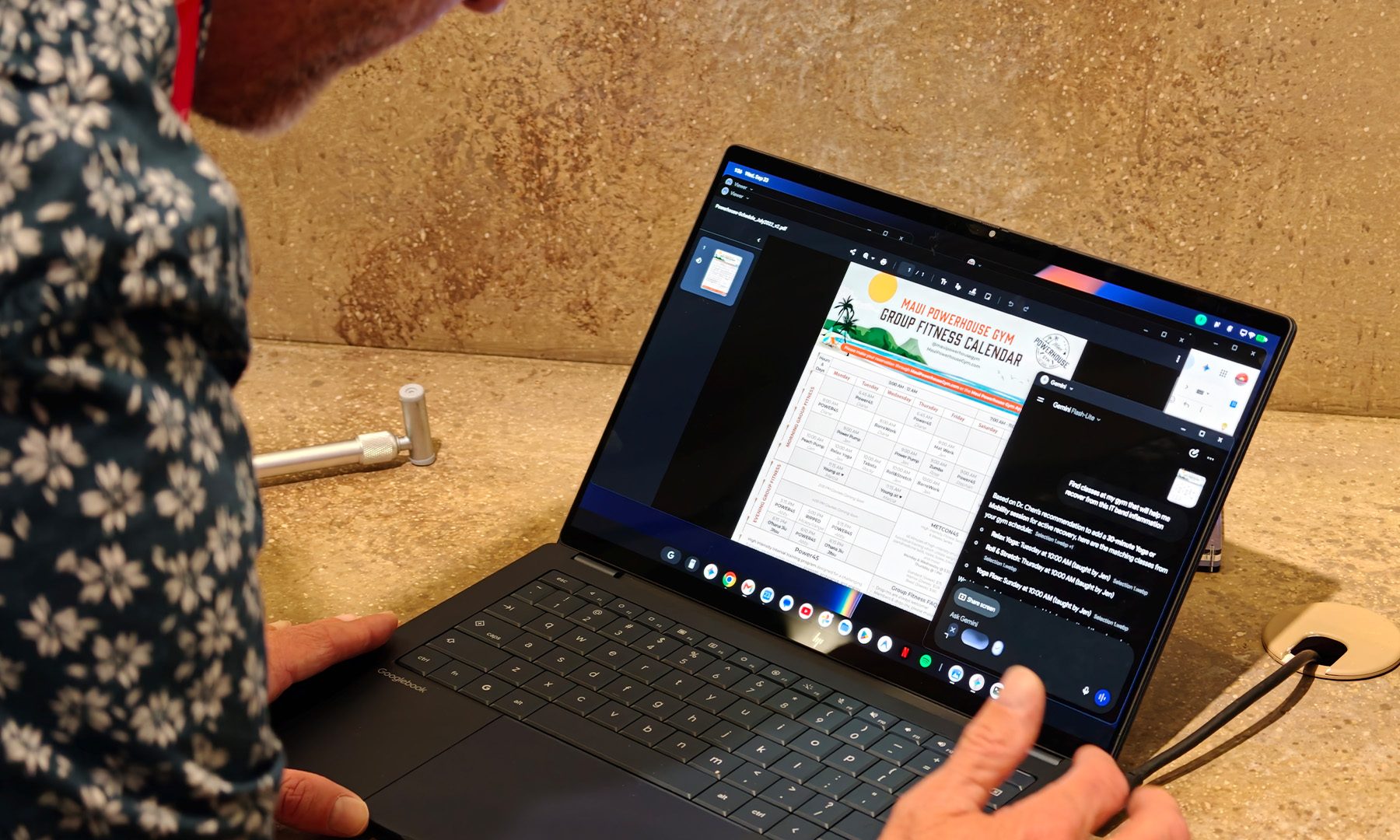
One of the laptop’s biggest selling points is its integration with Google’s Gemini AI. Features such as Magic Pointer provide contextual AI assistance through the cursor, while Rambler converts spoken thoughts into organised text. The device also supports AI-generated widgets, automated workflows, and Google’s Antigravity development environment for AI-assisted software creation.
Googlebook also aims to improve connectivity between laptops and Android phones. Users can access files, continue tasks across devices, and run Android applications on a larger screen. These capabilities could appeal to people who already rely on Google’s ecosystem for their daily activities.
However, many of the AI tools available on Googlebook can also be accessed through other platforms. Windows and macOS users can already use AI assistants, transcription services, writing tools, and coding applications without purchasing a dedicated AI-powered laptop. This raises questions about whether Google’s approach offers enough differentiation to justify the price.

Varun Mirchandani / Digital Trends
The operating system presents another challenge. Although Googlebook features capable hardware, its ChromeOS-based environment may feel restrictive to users accustomed to traditional desktop computing. Mirchandani highlighted difficulties navigating between virtual desktops, pointing to the absence of touchpad gestures he expected from a modern laptop.
By comparison, premium Windows laptops powered by Qualcomm Snapdragon processors offer strong performance, support for traditional desktop applications, and familiar multitasking features. Devices such as the ASUS Zenbook A14 provide an established computing experience without requiring users to adjust to a different operating system.
Googlebook could prove more appealing to developers, particularly those creating Android applications or experimenting with AI agents. Its combination of Android integration, Linux support, Gemini, and Antigravity provides a convenient environment for building and testing software.
Its appeal to everyday consumers, however, remains less certain. The laptop’s close relationship with Android could be a disadvantage for iPhone users, while Windows benefits from broad software compatibility and Apple offers seamless integration between its computers and mobile devices.
Google is betting on a future in which laptops can understand context, connect devices, automate routine tasks, and help users create content with minimal effort. Bringing these capabilities together could eventually distinguish Googlebook from its competitors, provided the experience delivers tangible benefits beyond those already available elsewhere.
For now, Googlebook represents an ambitious attempt to make AI central to personal computing. Its success will depend on whether Google can demonstrate clear advantages that make the device worth choosing over familiar alternatives.
Rather than adding more AI features, Google may need to focus on making Googlebook indispensable to the people it hopes to attract.