





























How to Block Unknown Numbers on Android: A Comprehensive Guide. Welcome to our comprehensive guide on how to block unknown numbers on Android. Dealing with unwanted calls can be frustrating, but with our step-by-step instructions, you can effectively block unknown callers on your Android device. Whether you own a Google Pixel, Samsung, Xiaomi, or any other Android phone, we’ve got you covered.
Understanding Unknown Numbers
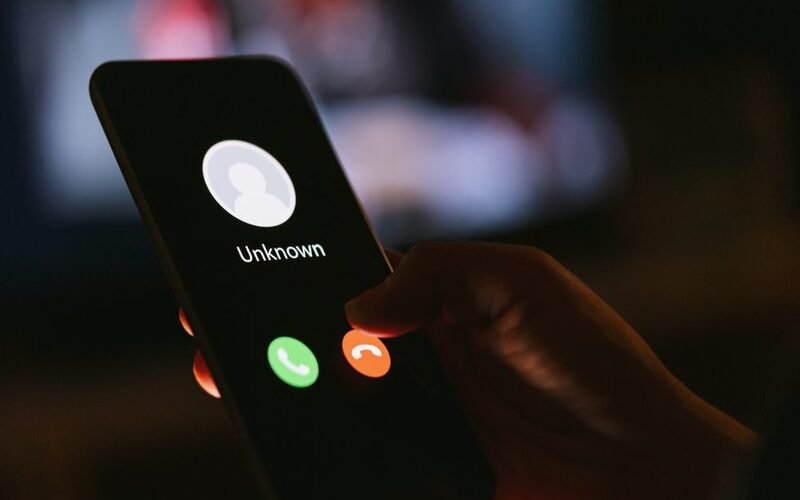
Before diving into the blocking process, let’s clarify what “unknown” numbers mean. In this context, an unknown number refers to a caller whose number does not appear on the caller ID. These calls typically don’t display any specific number and are often associated with unwanted or spam calls. It’s important to note that blocking unknown numbers doesn’t automatically block calls from numbers not saved in your contacts but still visible on the caller ID.
How to Block Unknown Callers on Android
Method 1: Using the Google Phone App
If you have the “Phone by Google” app installed on your Android device, follow these steps to block unknown callers:
- Open the “Phone by Google” app.
- Tap the three-dot menu icon in the top-right corner.
- Select “Settings” from the menu.
- Choose “Blocked Numbers.”
- Toggle the switch for “Unknown” to block calls from unidentified numbers.
Method 2: Using the Samsung Phone App
If you own a Samsung Galaxy phone, you can use the default Phone app to block unknown numbers. Follow these steps:
- Open the “Phone” app on your Samsung device.
- From the “Keypad” tab, tap the three-dot menu icon in the top-right corner.
- Select “Settings” from the menu.
- Go to “Block Numbers.”
- Toggle the switch for “Block Calls From Unknown Numbers.”
Additional Options and Considerations
Blocking Specific Numbers
In addition to blocking unknown callers, both the Google Phone and Samsung Phone apps allow you to block specific numbers. Follow the respective app settings instructions to add individual numbers to your block list.
Third-Party Call Blocking Apps
If your Android device doesn’t have built-in call-blocking options or prefers more advanced features, you can explore third-party call-blocking apps available on the Google Play Store. One popular option is the “Should I Answer?” app, which offers robust call-blocking capabilities and the ability to reject all unknown incoming calls.
Conclusion
With the information and instructions provided in this comprehensive guide, you can effectively block unknown numbers on your Android device. Whether you choose to use the Google Phone or the Samsung Phone app or opt for a third-party call-blocking app, taking control of your incoming calls will bring you peace of mind. Say goodbye to unwanted interruptions and enjoy a more streamlined calling experience.
Remember to constantly update your call-blocking settings to adapt to new spam or unwanted call patterns. By utilizing the features and options available on your Android device, you can regain control over your phone and protect yourself from bothersome unknown callers.