











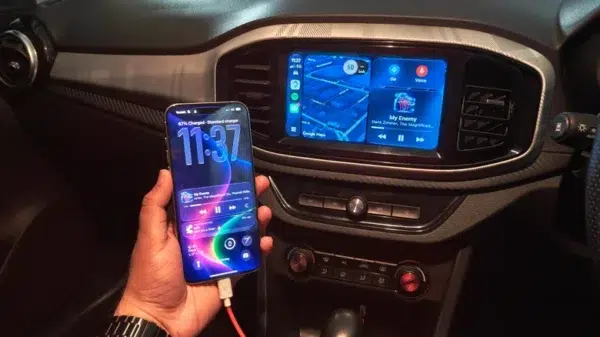






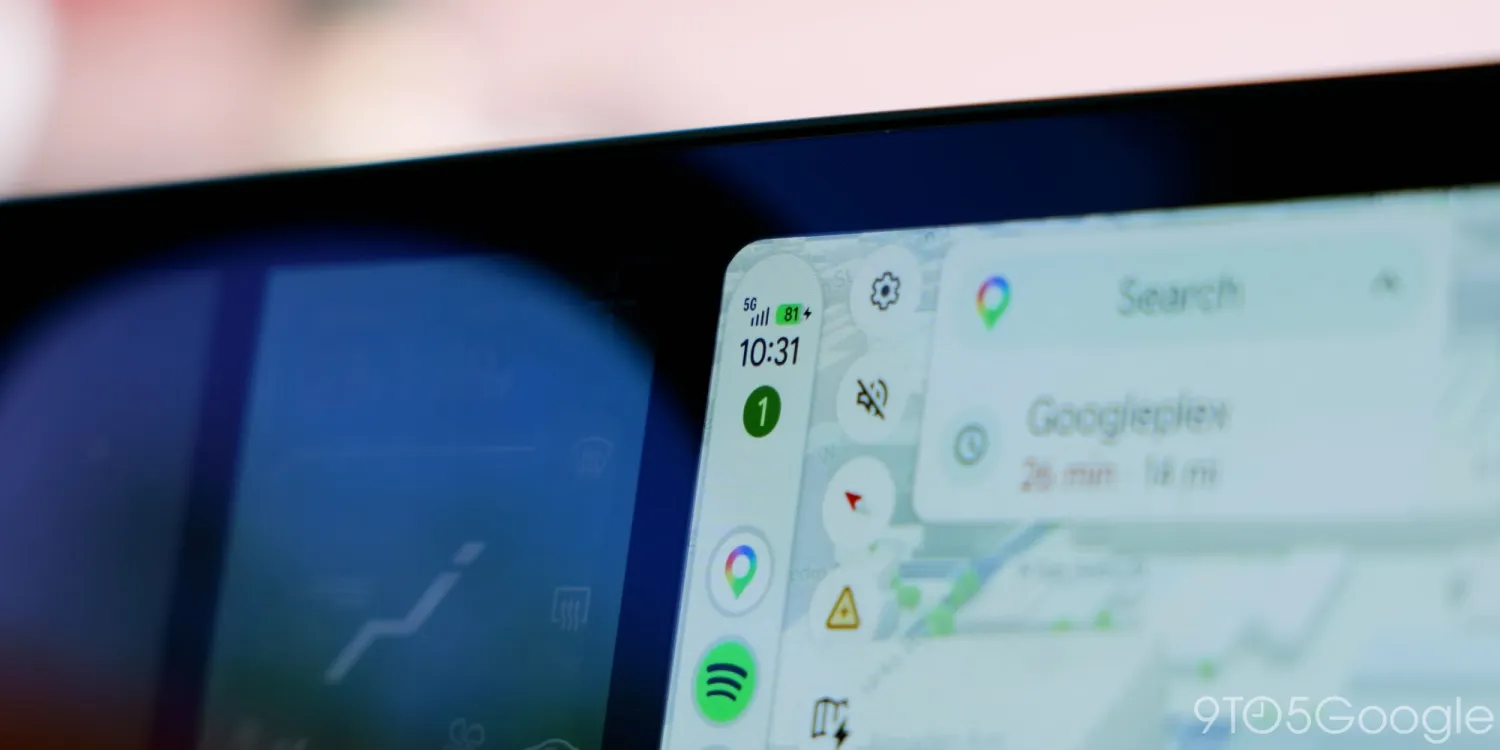
The issue has affected some Android Auto users for several weeks. For certain people, the problem has been intermittent, with the signal icon appearing normally at times and disappearing at others.
Google has acknowledged the problem and confirmed that a fix is being distributed.
A Google representative said on Reddit that the company was aware of reports involving the missing cellular signal indicator and had already begun rolling out a fix. The company initially suggested that users who wanted the update sooner could join the Android Auto beta program.
However, users no longer appear to need the beta version. Reports indicate that Android Auto 17.8 addresses the problem, and the stable release is now being distributed.
How to fix the missing signal icon
If your Android Auto display is missing the cellular signal indicator, the first thing to do is check whether an update is available.
Open the Google Play Store on your Android phone, search for Android Auto, and select Update if the option appears.
If there is no update button, your phone may already have installed Android Auto 17.8 automatically.
You can check your installed version by going to Settings > Apps > Android Auto and scrolling to the bottom of the app information page. Depending on your phone, the version number may also be displayed within Android Auto’s own settings.
If you’re running version 17.8 but the signal icon is still missing, clearing the app’s cache may help.
Go to Settings > Apps > Android Auto > Storage, then select Clear cache. Afterward, reconnect your phone to your vehicle and check whether the signal indicator has returned.
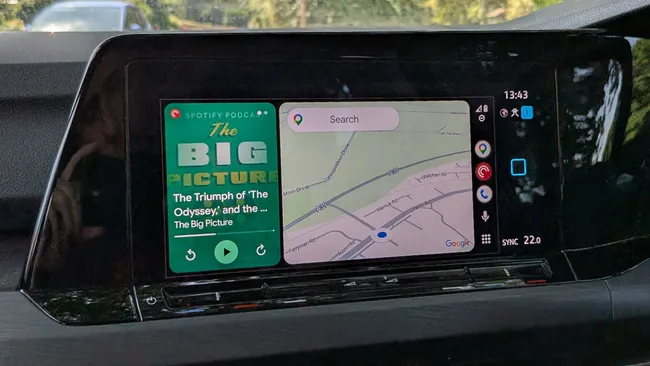
What if Android Auto 17.8 isn’t available?
If your device isn’t showing the Android Auto 17.8 update yet, you may simply need to wait for the rollout to reach your phone.
The update is being distributed gradually, so availability can vary between devices.
Users who don’t want to wait could technically install the update manually from a reputable APK repository, but sideloading software carries additional risks. For most people, waiting for the official Google Play rollout is the safer option.
With Android Auto 17.8 now rolling out, the missing cellular signal indicator should soon become a problem of the past for affected users.