







































Workspaces, Microsoft Edge’s restricted public preview, allows you to store and share browser tabs with a single link. Workspaces were previewed last year, but the latest preview shows how it works.
Workspaces let you organize tabs on a topic into tidy Edge groupings. In addition, workspaces allow you to share saved tabs with coworkers, who may edit them in real time. This is similar to Edge’s Collections feature, which helps you store and organize web pages.
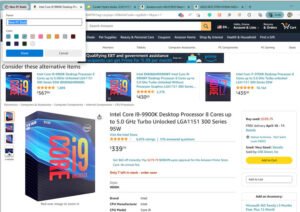
The Workspaces tab is in the top-left corner of the browser, as seen above. Click it to name and color a Workspace. You may then fill the Workspace with tabs relevant to your study and share them with anybody who wants to view or contribute to your decision.
Click Invite to the right of Edge’s address bar and then Copy the link. Then email, Slack, or send the link. Nevertheless, the link recipient must download Edge to see and modify your Workspaces. After accepting the invite, you’ll see their name, icon, and tab in your Workspace. The Workspace icon at the upper left of your browser displays previously created Workspaces.
When using Workspace, Microsoft promises to keep your passwords, downloads, collections, extensions, and cookies secret. In addition, it won’t display other users’ “website material only you have access to,” like your email inbox or anything you see outside your Workspace. PC users may preview Workspaces here.
The only thing that threw me up while testing the functionality was that creating a Workspace opens a new window. So if you have all your tabs but don’t open a Workspace first, you’ll have to copy and paste everything to the Workspace after you make one. Microsoft may fix it before rolling out the feature.