

























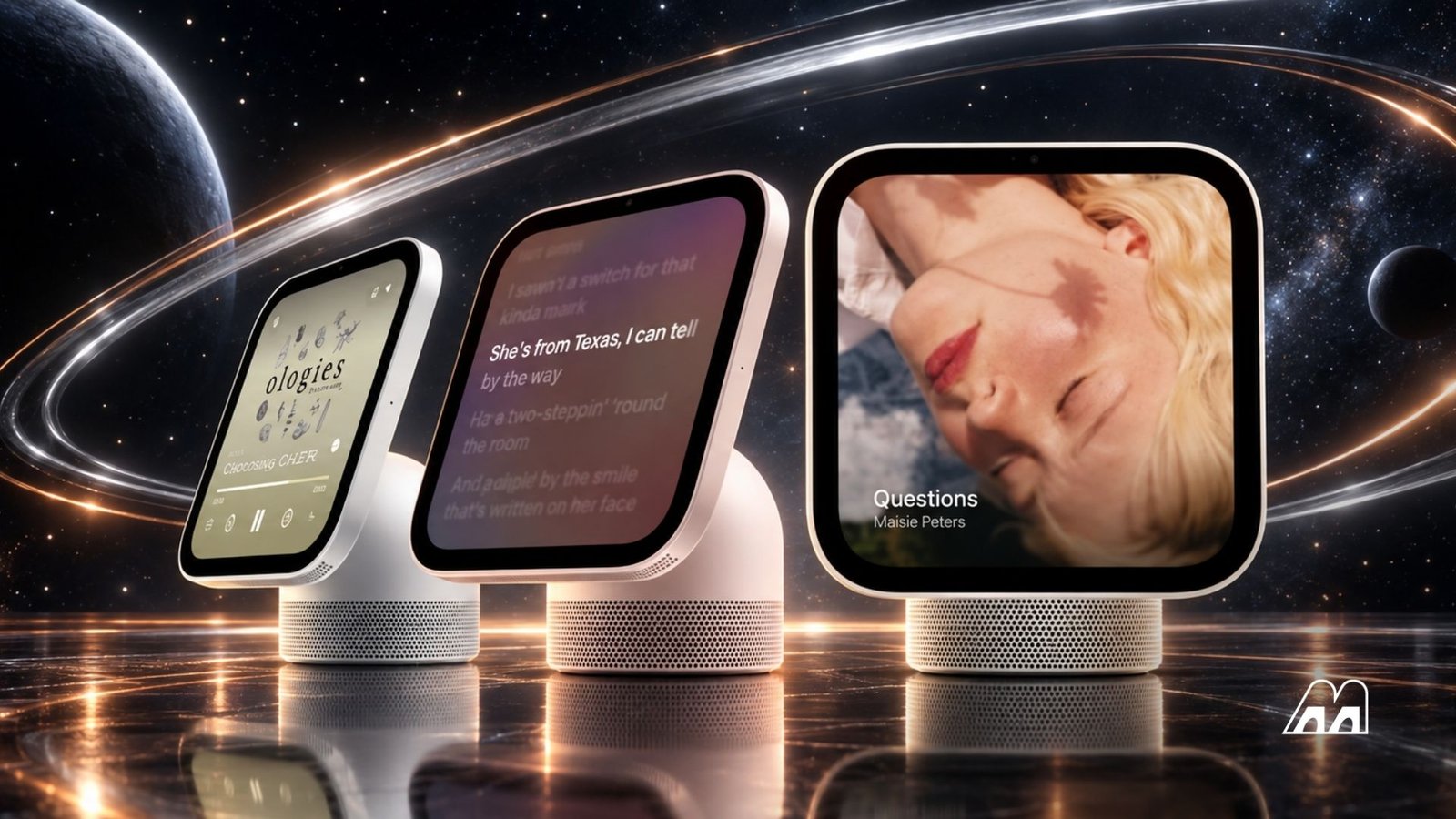
Apple’s new AI-powered smart home hub, HomeView, is set to launch on November 13, 2026, with a starting price of $299 in the US, £299 in the UK, and AU$449 in Australia. While the device offers an attractive combination of smart home controls, personal assistance, and AI-powered features, buying the hub alone won’t give users access to everything Apple has demonstrated.
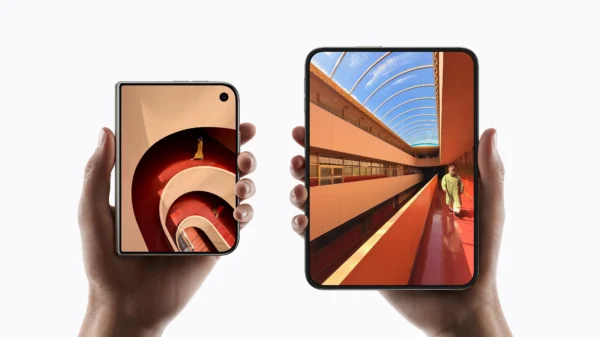
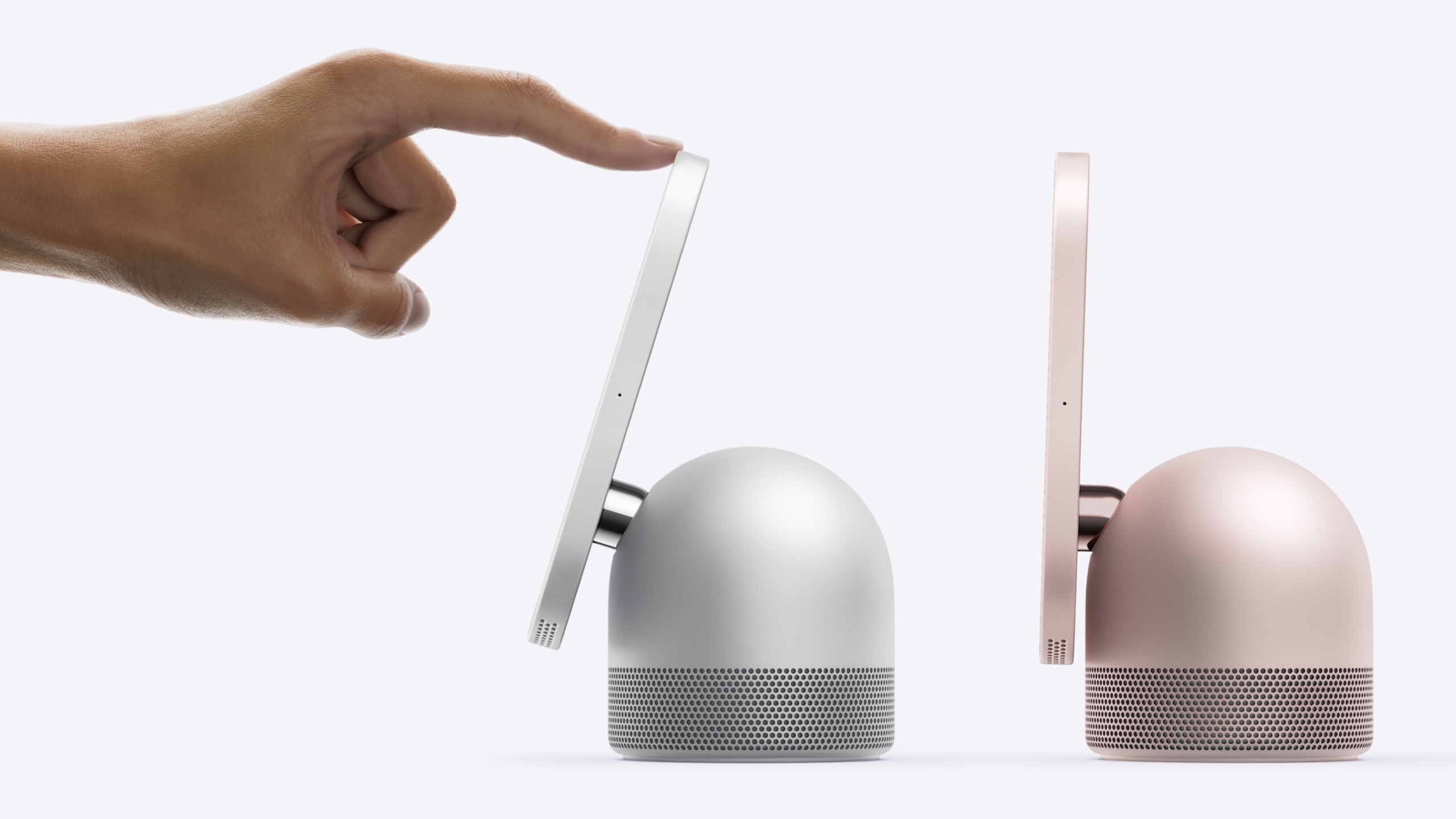
The 7-inch touchscreen device will be available in wall-mounted and tabletop versions. One of its standout features is facial recognition, which allows it to identify family members and display personalized information from apps such as Messages, FaceTime, Calendar, Reminders, and Find My.
However, Apple’s product documentation makes it clear that some of these capabilities depend on having compatible Apple devices and services already in place.
A Compatible iPhone or iPad Is Essential
Apple states that setting up HomeView and enabling multiuser support requires a compatible iPhone or iPad running the latest software. Access to Personal Context features comes with an additional requirement: users must pair the hub with an Apple Intelligence-compatible device that has Siri AI enabled and is configured to use a supported language.
In practical terms, compatible devices include the iPhone 15 Pro, all iPhone 16 models and newer qualifying iPhones, the iPad mini with an A17 Pro chip, and iPads powered by the M1 chip or later. The standard iPhone 15 does not meet the Apple Intelligence hardware requirement.
Without a qualifying device, HomeView can still perform several useful tasks. Users can ask general-knowledge questions, control compatible smart home accessories, and explore improved music recommendations.
However, requests involving personal information will be more limited. For example, finding a specific detail in Messages or Calendar, or carrying out actions across multiple apps, requires the appropriate Apple Intelligence-compatible hardware and software.
This means buyers should check their existing devices before purchasing HomeView if they want to use its more advanced personal assistant features.
(Image credit: Apple)
Advanced Siri Voice Controls Have Even Stricter Requirements
Apple also imposes a higher hardware threshold for certain voice customization options. Adjusting Siri’s expressiveness and speaking speed requires an iPhone 17 Pro, iPhone Air, iPhone 18 Pro, iPhone Duo, or an M4-powered iPad with at least 12GB of RAM.
These requirements apply to specific voice-personalization features rather than ordinary Personal Context requests. Nevertheless, they demonstrate how access to different HomeView capabilities depends on the Apple devices users already own.
AI-Powered Security Cameras Require Additional Hardware and a Subscription
HomeView’s capabilities extend beyond personal assistance into smart home security. When paired with a compatible HomeKit Secure Video camera, Apple Intelligence can provide more detailed insights into recorded activity and make searching security footage easier.
The features include:
- AI-generated activity summaries: Instead of receiving a basic motion alert, users can get descriptions of events, such as someone leaving a package at the door or a dog entering the garden.
- Natural-language video searches: Users can search recordings with questions such as “Show me when the parcel was delivered” or “When did the children get home?”
- Connected activity insights: The Home app can identify and highlight significant events recorded by different cameras.
These features could make reviewing home security footage considerably more convenient. However, they require more than the HomeView hub itself.
To use the full camera-intelligence experience, users need a HomeKit Secure Video-compatible camera, HomeView or another compatible Apple home hub, an Apple Intelligence-compatible iPhone or iPad, and an eligible iCloud+ subscription.
Apple says video analysis is handled locally by the home hub or through its Private Cloud Compute system, rather than relying solely on the paired iPhone or iPad.
How Much Does iCloud+ Add to the Cost?
Apple’s iCloud+ subscription provides the cloud storage needed for HomeKit Secure Video recordings and the associated AI-powered recording features.
The listed monthly plans are:
- 50GB: $0.99 in the US or AU$1.49 in Australia.
- 200GB: $2.99 in the US or AU$4.49 in Australia.
- 2TB: $9.99 in the US or AU$14.99 in Australia.
HomeKit Secure Video recordings are retained for 10 days and do not count towards the user’s standard iCloud storage allowance.
Users can still view live camera feeds and receive basic notifications without paying for recorded video storage. However, an eligible iCloud+ plan is necessary to store HomeKit Secure Video footage and access AI features that analyze and search those recordings.
Consequently, buyers who want HomeView to function as a comprehensive AI-powered security and home management system will need to account for the cost of compatible cameras, existing Apple hardware, and an ongoing subscription.
HomeView’s Real Cost Goes Beyond Its Retail Price
At $299, Apple HomeView may appear to be an affordable entry point into Apple’s AI-powered smart home ecosystem. For existing Apple users with compatible devices and subscriptions, it could offer a convenient way to manage household tasks, access personal information, and monitor home security from a central display.
For others, the total cost could be considerably higher. Owners of older iPhones or the standard iPhone 15 may need to upgrade their hardware to access Personal Context features, while users interested in AI-powered security footage must also consider compatible cameras and iCloud+.
The distinction is important because HomeView’s advertised capabilities do not all come included with the device. Some depend on additional hardware, software settings, and paid services.
Apple’s approach encourages customers to use a connected ecosystem in which devices and services work together. That can create a more seamless experience for households already invested in the company’s products, but it may disappoint buyers who expect the $299 purchase to deliver the complete experience immediately.
Before buying HomeView, prospective owners should therefore check their device compatibility, decide which AI features they actually need, and calculate the potential subscription costs. The headline price may be attractive, but the complete Apple smart home experience requires more than the hub alone.