

























iOS 14 has several glitches, which can spoil Apple’s beautiful iPhone software upgrade, so we are here to help you fix the most common IOS glitches you might face.
Some of the common issues which users have reported include broken WiFi and poor battery life. However, Apple iOS 14.0.1 provides many of these fixes.
So, here are some most common glitches and their solutions:
1. iOS 14 doesn’t download on your iPhone:
Not having the latest iOS version is the first major problem. If you have a compatible iPhone, you can get the latest software update. Just make sure your iPhone is the iPhone 6S series on newer.
You also need enough space on your iPhone to download the new iOS version. If you have tested the beta version, delete the version of the software in Settings – General – Profiles.
2. iOS 14 doesn’t play YouTube in 4K:
One of the biggest advantages of iOS 14 is that you can play the video in a small rectangular video even when you exit a video app.
This feature works on YouTube, however, the problems arise when you aren’t logged into the YouTube Red account. The same goes for the 4K videos. They won’t work on the specific app unless you are a paid subscriber.
3. Disconnecting from WiFi:
Several users have complained about social media about losing WiFi after upgrading to iOS 14. Their connection stops when they put their iPhone in the sleep mode.
To solve this problem, you should use Apple’s new operating system update, iOS 14.0.1, which fixes these issues preventing the iPhone to connect to WiFi networks.
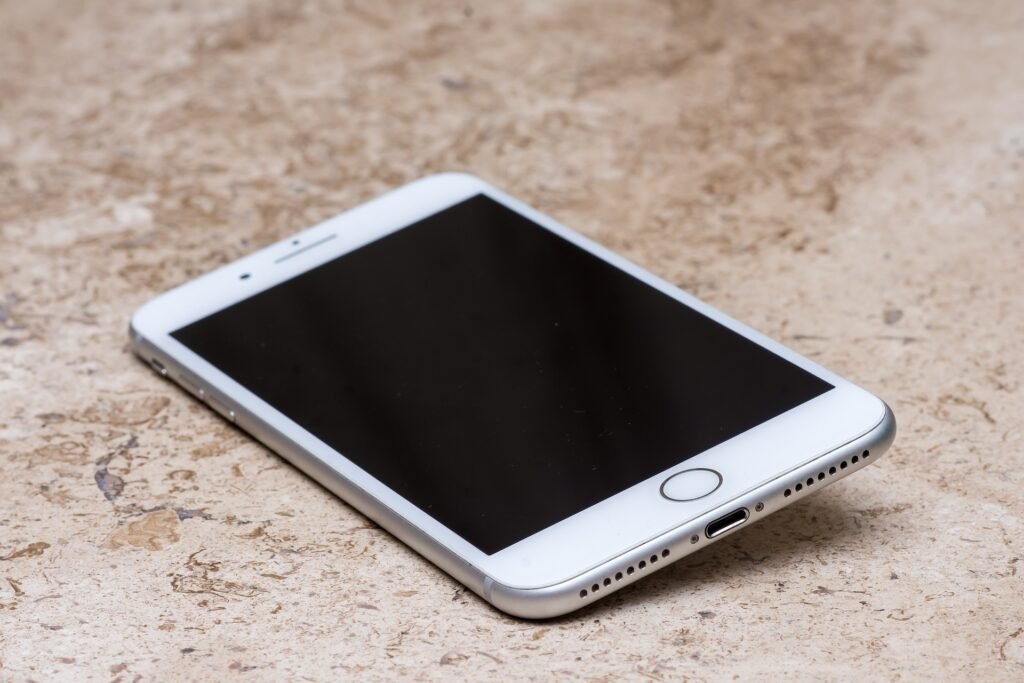
4. iPhone 7 camera viewfinder shows black screen:
Most iPhone 7 users have reported the problem of running into a black screen with the camera app viewfinder. Users have also reported that opening Viewfinder in Snapchat or Instagram leads to a black screen.
https://pixabay.com/users/anestiev-2736923/
To fix this issue, you need to install iOS 14.0.1 update, which specifically solves this problem.
5. Battery drains faster:
Some of the users have reported that after installing the iOS update, their battery drains at a faster rate. Although it’s unclear whether iOS 14 specifically causes this problem, many users run into this problem when they install a new version of iOS. This problem also happened when iOS 12 came out.
If you want to extend your battery life, you can do several things, like turning off the auto-brightness feature on your phone and keeping it to a low setting. Moreover, you can also turn off Location services within your apps. You can also switch to Low Power Mode by going into settings.